



“FlatRate quoted us upfront and the price didn't change on move day. Everything arrived perfect. Best moving experience I've had in NYC.”
Consumer Affairs Best NYC Moving Company in 2025
Read More →GSA-Certified, FlatRate Moving Joins Elite Federal Movers List with GSA Approval
Read More →Plan Your Move with Guaranteed Pricing
Get an all-inclusive flat-rate quote with no surprises on move day.
Reviews
Gregory a.
★★★★★
Amazing Experience. Smoothest most seamless move I have ever had…
Hina D.
★★★★★
I have already recommended FlatRate to ALL my friends. I had an amazing experience.
FAQs
How do I find a reliable moving company in New York City?
Finding a reliable moving company in New York City requires research…
How can I move with a moving van or truck in NYC?
Navigating the streets of New York City is no easy task…
35+ Years
Moving New Yorkers
99.6% Accurate
Quote to Final Price
99.5% On Time
Pickup & Delivery
97.2% Rating
Total Client Satisfaction
90+ Countries
International Relocations
Real Customers
 Google
4.7
(2,724 Reviews)
Birdeye
4.7
(1,978 Reviews)
Trust Pilot
4.7
(83 Reviews)
BBB
4.8
(62 Reviews)
Military Score
98.63
(Rating)
Google
4.7
(2,724 Reviews)
Birdeye
4.7
(1,978 Reviews)
Trust Pilot
4.7
(83 Reviews)
BBB
4.8
(62 Reviews)
Military Score
98.63
(Rating)
Read more reviews →
10,693 Five-Star Reviews
4.87 average across 11,225 reviews from 5 sources.
 Google
4.7
(2,724 Reviews)
Google
4.7
(2,724 Reviews)
 Birdeye
4.7
(1,978 Reviews)
Birdeye
4.7
(1,978 Reviews)
 Trust Pilot
4.7
(83 Reviews)
Trust Pilot
4.7
(83 Reviews)
 BBB
4.8
(62 Reviews)
BBB
4.8
(62 Reviews)
Verified Surveys
5.0
(6,378 Reviews)
 Military Score
98.63
(Rating)
Military Score
98.63
(Rating)
“Brownstone-to-brownstone move went flawlessly. Crew was on time, careful with our antique furniture, and we paid exactly what they said we would.”
“Used FlatRate for an interstate move from NY to Miami. Stress-free start to finish. The coordinator was responsive and the price was guaranteed.”
New York’s Highest Standard in Residential Moving













Choose NYC's Premier Moving Services
Full-service moving, storage and packing solutions designed for a smooth, stress-free experience.
Local Moving
Customizable plans, flat-rate pricing, and careful handling of your furniture, floors and hallways.
Learn more →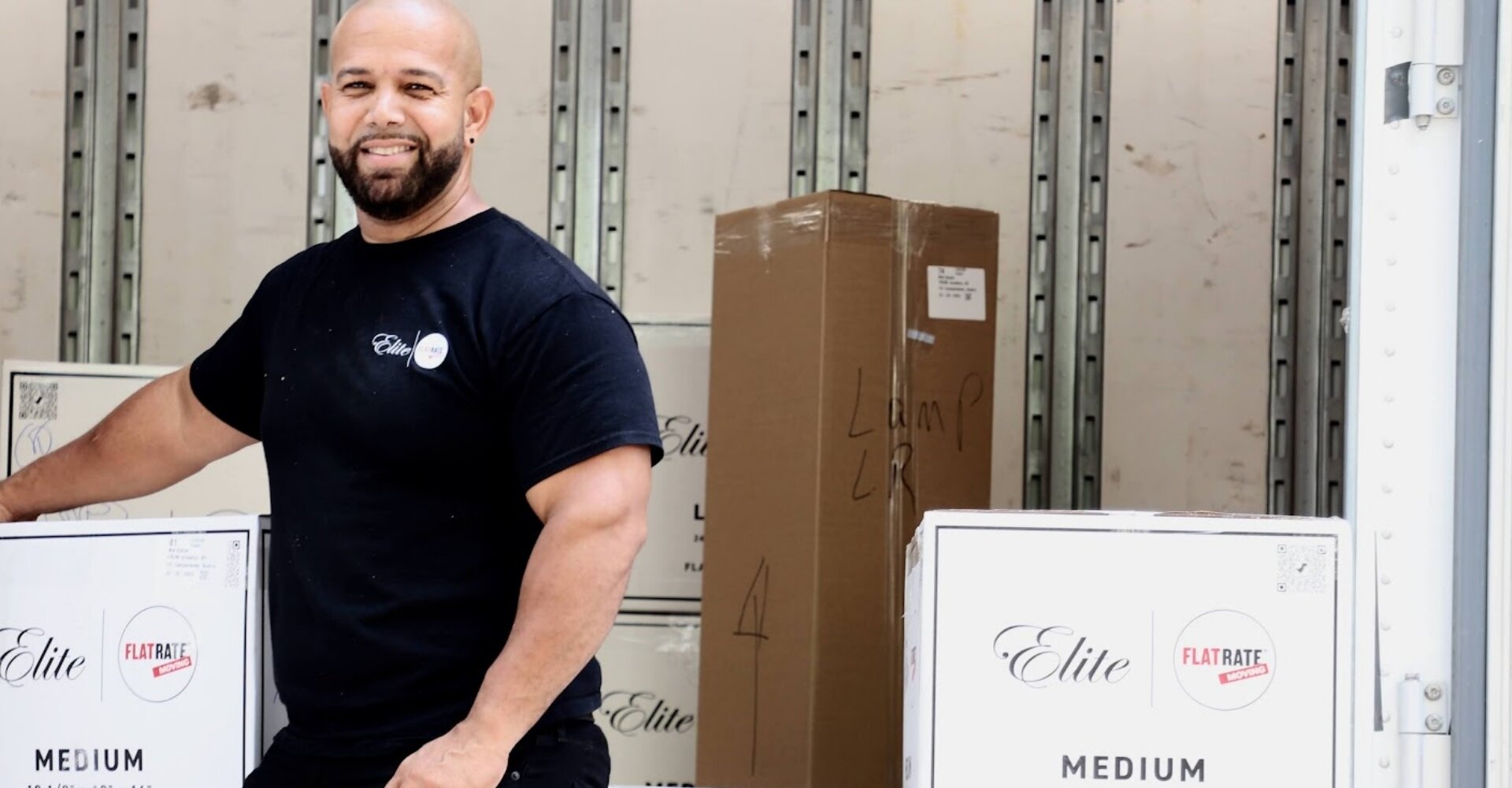
Long Distance Moving
Guaranteed arrival times, premium packing, and safe transport across the country.
Learn more →
International Moving
Expertise in customs, import restrictions, and worldwide door-to-door service.
Learn more →
Office Moving
Minimize downtime with our expert office moving, IT setup, and secure warehousing.
Learn more →
Elite Luxury Moving
White-glove service with a personal concierge, custom crating, and discreet handling.
Learn more →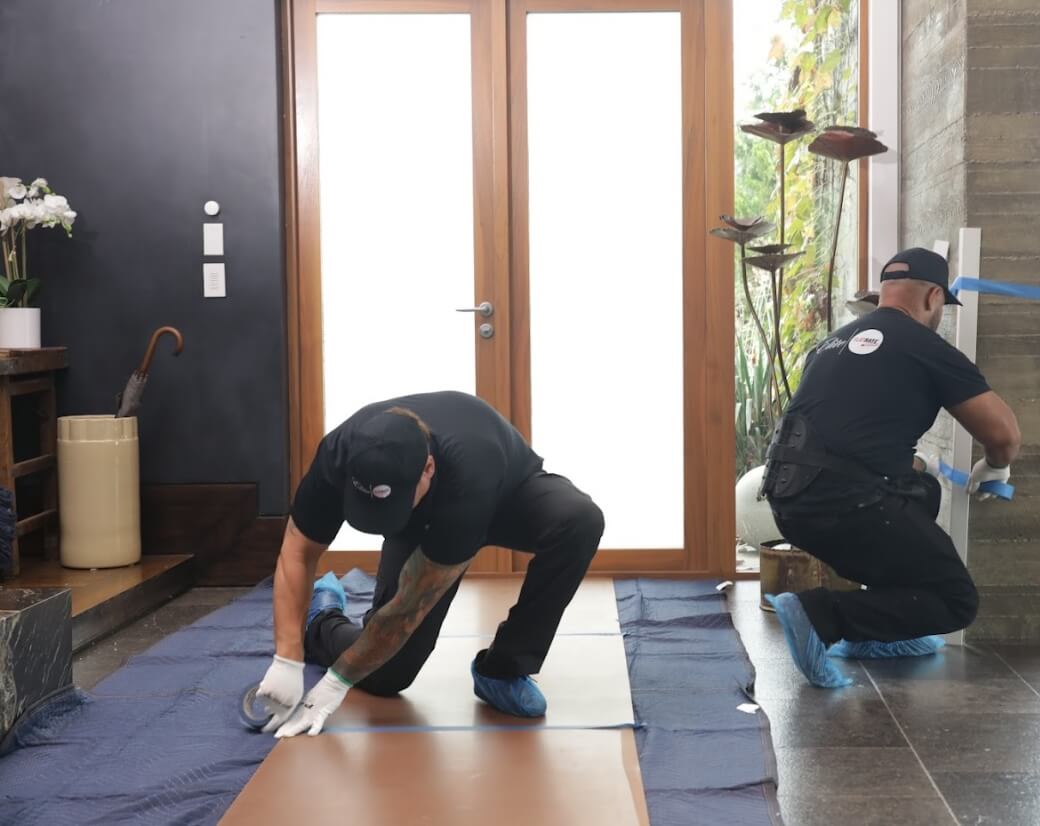
Storage
Short- or long-term storage with climate control, 24/7 monitoring, and private access.
Learn more →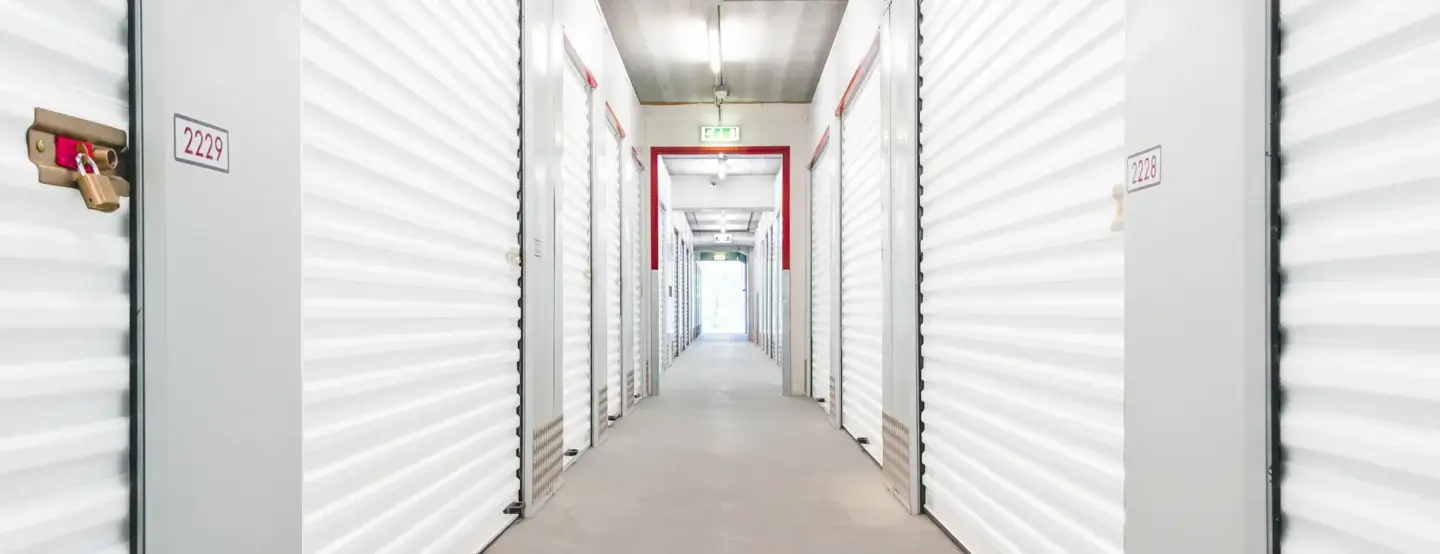
Specialty Services
We can do it all
Packing
Unpacking
Crating
Carpentry Services
Electrician
Piano Moving
The FlatRate Promise
Full Service Moving, All-Inclusive Guaranteed
One flat rate. Everything included. No surprises. No extra charges. Ever.
We believe moving should be straightforward and stress-free. That’s why our full service moving includes everything you need from start to finish. No surprises, no hidden fees.
1
We Pack Your Fragile Items
Lamps, electronics, flat-screen TVs, computers, mirrors, paintings, glass & marble pieces, and small sculptures.
2
We Wrap & Protect Everything
All furniture is carefully wrapped with moving blankets. Mattresses are bagged for protection.
3
Transportation & Labor Included
Professional movers, modern trucks, and all equipment included in your flat rate.
4
We Remove Debris
We remove all packing materials and debris when we are done.
5
We Protect Your Home
We protect your floors, doorways, corners & hallways so your home stays perfect.
6
Basic Assembly / Disassembly
Standard furniture disassembly and reassembly. Basic appliance disconnect and reconnect.
The FlatRate Guarantee
Never Pay Extra. Ever.
Our flat rate includes everything you need for a smooth, stress-free move.
You will never be charged extra for:
Never for
FUEL
Fuel is on us.
Never for
TOLLS
Tolls are on us.
Never for
TICKETS
Parking tickets are on us.
Never for
LABOR
All labor is included.
Never for
STAIRS OR LONG CARRIES
No extra fees.
If specified in your quote.
Never for
WEEKENDS OR HOLIDAYS
No premium fees.
Need true white-glove service?
Meet FlatRate Elite →
Full Service Premium Moving
How We Move
Watch how our team packs, protects, inventories, and sets up your move.
White-Glove Luxury Moving
From SoHo lofts to high-rise penthouses, we move NYC's finest homes and art with white-glove care.
Protect Floors
We protect your floors to minimize impact and keep your home pristine.
Pack Shoes
We carefully pack and protect your shoes, one pair at a time.
Expert Art Packing
We handle your art with expertise for safe transit.
Pack Lamps
We wrap each lamp and shade in protective paper, then box it for safe transit.
Pack Dishes
We wrap every dish and plate in packing paper before it's carefully boxed.
Protect Sofas
We use furniture blankets and shrink wrap to safeguard your sofas and large items.
Get a Quote
Full-service moving. Zero guesswork.
Press & Recognition
Celebrated by Industry Leaders.
At FlatRate Moving, we're proud to be recognized by trusted publications and organizations for our commitment to exceptional service and customer satisfaction.
Best Mover Awards
unpakt
#1 Best Mover in NYC
Top-rated by customers for quality & experience.
Consumer
Affairs
Affairs
2025 Best Overall Value
Consumer Affairs Buyer's Choice Awards
The Fortune 100 of Moving
Upper West Side Lifestyle
Upper East Side Lifestyle
MAGAZINE The Best Moving Companies in Westchester County for 2026
Westchester Magazine
NEWS NY The Best Moving Companies in Chelsea for 2026
Chelsea News
UNDERGROUND #1 NYC Moving Company 2026
NYC Real Estate Insight & Trends
REALTY Top NYC Movers 2026
NYC Real Estate Listings & Research
CLUB Best NYC Moving Company 2026
Exclusive Real Estate Network
Moving Industry Insights
SIDE RAG Top NYC Mover for UWS
Upper West Side Community News
Why FlatRate
What Sets FlatRate Apart
Why Is an Onsite Visit Important Before a Move?
An onsite visit gives movers the chance to evaluate your home and anticipate challenges, ensuring a smoother moving day. By seeing your space firsthand, the moving team can arrive fully prepared with the right equipment and staff.
An onsite visit helps identify:
- Oversized or fragile furniture
- Tight entryways or staircases
- Items requiring disassembly or carpentry
- Specialty or custom-built pieces
- The level of packing and supplies needed
This proactive step prevents delays, reduces stress, and ensures your movers understand the unique details of your move.

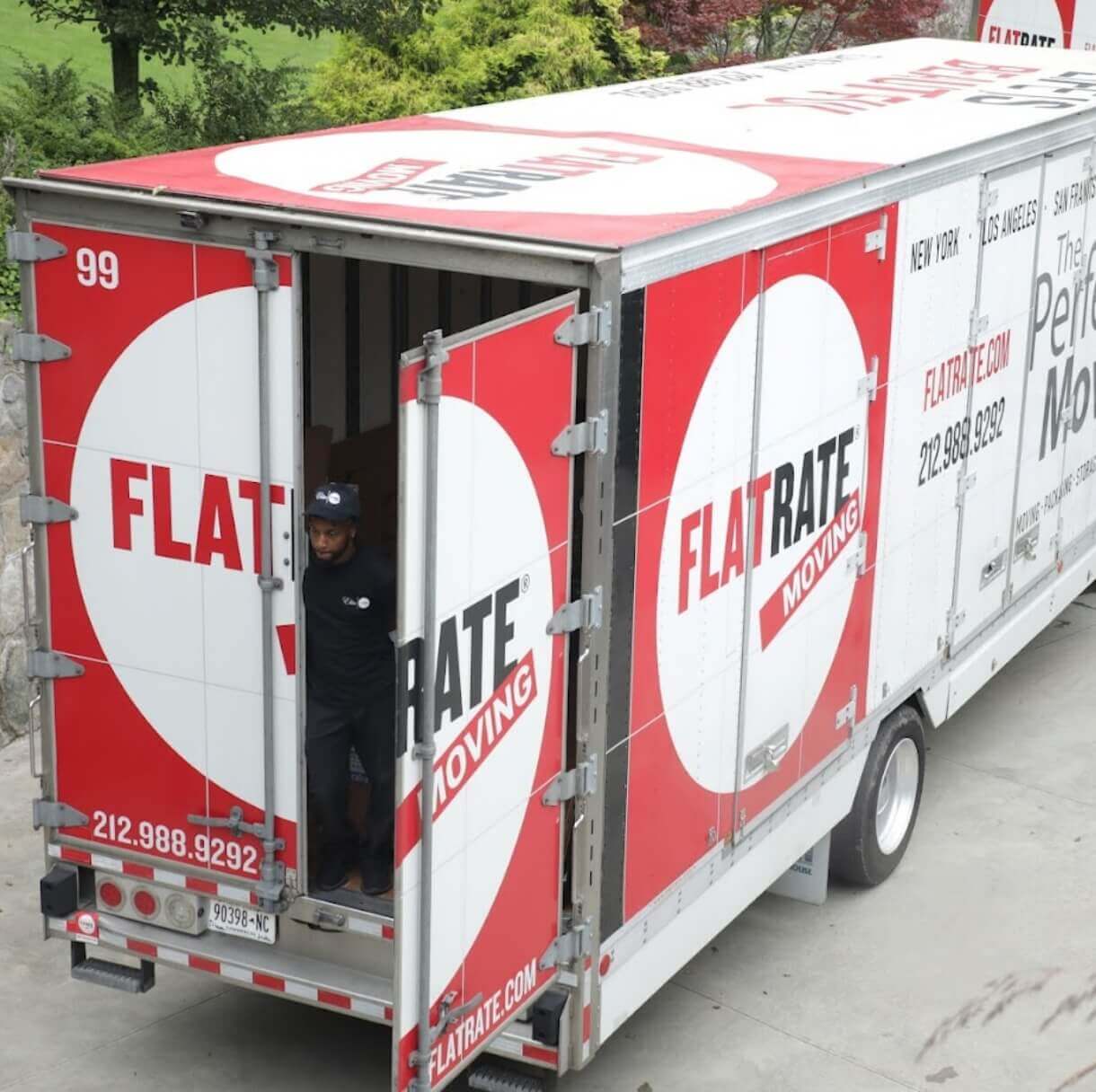
The FlatRate Difference
Why FlatRate Is Worth It
The right mover does more than show up with a truck. FlatRate takes responsibility for the full move experience: the planning, the pricing, the building details, the crew, and how you feel on move day. We ask the right questions upfront, so you are not left with surprises later.
- We take responsibility for the move. We do not treat missing details as your fault. Our job is to ask the right questions, understand the full scope, and build a move plan that works before move day arrives.
- We quote the move as it actually exists. Some movers benefit from knowing less upfront, then charge more when new details appear on move day. FlatRate does the opposite: we work to understand the inventory, access, packing, building rules, and timing in advance.
- We keep our word on price and service. A flat-rate move only matters if the quote reflects the real move. That means fewer assumptions, clearer expectations, and a price built around what is actually needed.
- We plan for the details others leave out. Elevators, COIs, stairs, loading docks, parking, packing, fragile items, and building requirements are all part of the conversation before the crew arrives.
- We care how move day feels. Moving is personal. Our goal is not just to get your things from one place to another. It is to help you feel prepared, protected, and confident throughout the process.
- We want you to have a happy move day. That means no blame, no last-minute pressure, and no surprise charges because something should have been discussed earlier. We do the work upfront so move day feels calm, organized, and under control.
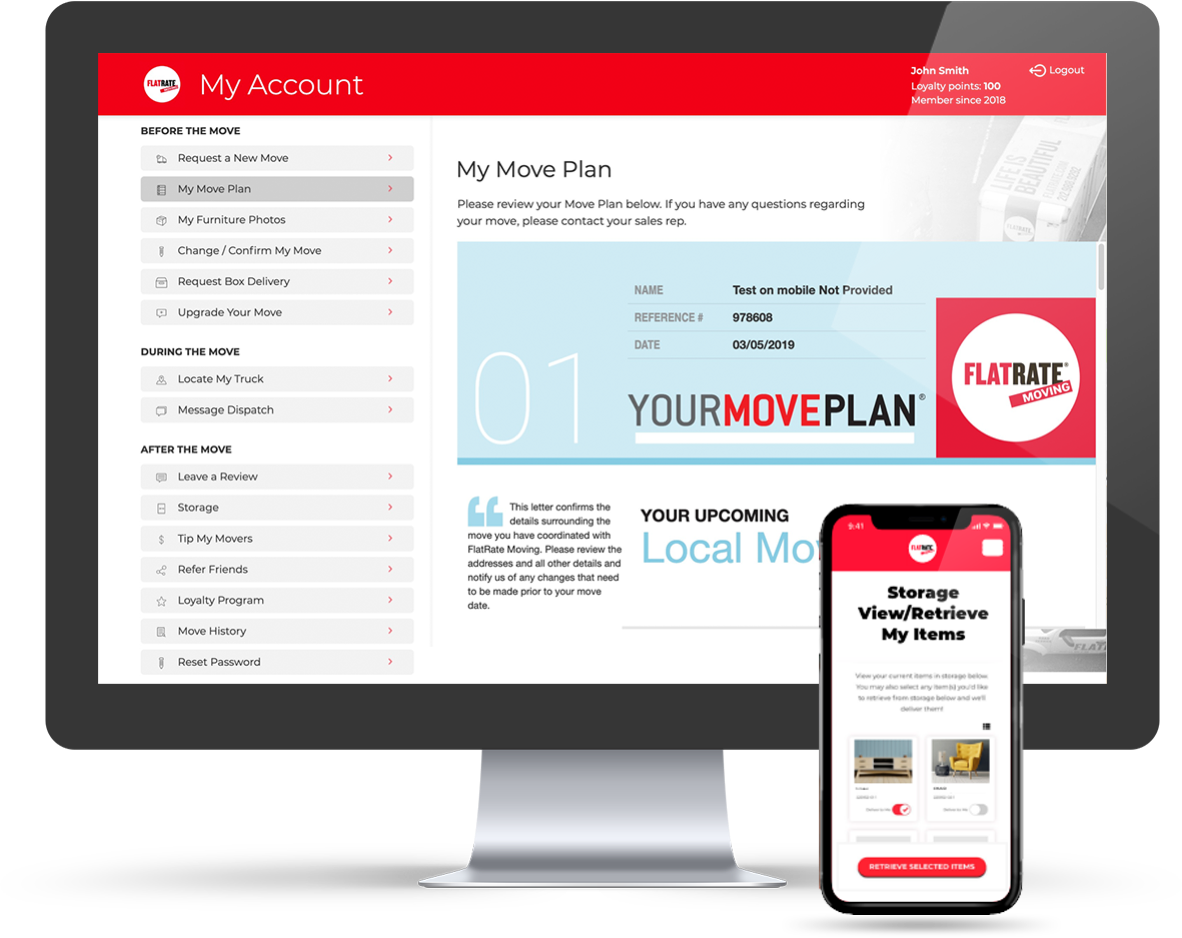
Manage your move in NYC online
With The FlatRate App the only thing you'll need to move in NYC is your thumbs. Our app allows you to edit and confirm your moving details online. You are able to create your own photo inventory and locate your moving truck on the day of your move.

Track Your Truck

Review Your Mover

Photograph Your Inventory

Retrieve Items From Storage


September Offers
& Discounts*
*discounts can not be combined
- $250 Off on September 2nd to September 22nd Move Dates*
- 20% off on Packing and Unpacking Services
- 1 month free storage
*Valid on Moves of $1,000 or higher
Reasons to
Move with us

Guaranteed Pricing
FlatRate offers one guaranteed price with no hidden fees. Our flat-rate model ensures accuracy from estimate to final cost, so you know exactly what to expect.

Professionally Trained Movers
Our NYC movers undergo weekly training, equipping them with the skills and tools to be among the best crews in the industry.

Best-in-Class Technology
With the FlatRate mobile app, you can track your move, create a photo inventory, and stay connected every step of the way.

Timely Delivery, Pickup, and Drop-off
FlatRate’s planning process and commitment to punctuality ensure your move is completed safely and on time—even for long distance moves.

Local Knowledge
With 30 years of experience, FlatRate movers know NYC parking rules, traffic patterns, and building regulations, delivering smooth moves every time.

Expert Packing Services
Our specialized packing process protects every item. FlatRate custom-wraps belongings to ensure safe transport from start to finish.
Blog
Blog / Elite
A standard moving crew can wrap a couch in blankets and call it protected. A piece you actually care about, whether that's a family heirloom, a print you saved up for, or a wine collection you've spent years building, needs something...

Refer Friends
& Earn Rewards
Earn a $50 Amazon gift card and get instant cash back when referring a friend to FlatRate.
Refer a friend $Refer Friends
& Earn Rewards
Earn a $50 Amazon gift card and get instant cash back when referring a friend to FlatRate.
Refer a friend $Helpful Tips
For Your Move
How to pack a flat screen TV
Moving? Make sure you protect you TV.
How to Pack Artwork
Moving Artwork can be risky.
How to pack a couch
Learn tips on how FlatRate Moving keeps couches safe!
How to protect your floor
Moving? Make sure you protect your floors.
How to pack a mattress
Moving a mattress can be tricky.
How to pack dishes
How FlatRate Moving keeps kitchen items safe
Got Questions?
Frequently Asked Questions
Quick answers to the things customers ask most. Tap any question to read the answer.
How does flat-rate pricing work?
Your quote is built around the actual scope of your move: inventory, access, building rules, packing needs. Once we agree on the flat rate, that is what you pay. No surprise charges on move day.
Are you licensed and insured?
Yes. FlatRate is fully licensed (USDOT and MC numbers shown on every quote) and insured. Full coverage details and certificates available on request.
What is included in a full-service move?
Trained crews, packing materials, furniture wrapping, transportation, fuel, tolls, labor, basic disassembly and reassembly. See the all-inclusive section above for the full list.
How far in advance should I book?
Two to four weeks is comfortable. Last-minute and same-week moves are doable depending on schedule. Get a quote and we will tell you what is open.
Do you handle storage?
Yes. Short-term and long-term, climate-controlled, with private access. Most customers store between leases or before international moves.
What happens if I need to reschedule?
Reach out as soon as you know. We will move your slot at no cost as long as we have reasonable notice. Same-day cancellations may have a fee.
Moving our communities forward.
Over the years, FlatRate Moving has been fortunate enough to be NYC movers that participate in many meaningful charity events and causes and strive to continue to do so.




Trusted & Certified
at the Highest Level
FlatRate Moving has been approved as a trusted moving company in NYC that helps relocate the world's most respected organizations.

US Military
Surface Deployment and Distribution Command


Moving Resources
- Change your Address
- Registered Carriers
- NYC Moving Info
- Moving Tips
United States Postal Service
Make sure you don’t miss any mail by setting up a forwarding address with the post office. USPS recommends doing this up to two weeks in advance as it can take time to process your request.

United States Department of Transportation
The top priorities at DOT are to keep the traveling public safe and secure, increase their mobility, and have our transportation system contribute to the nation's economic growth. Here you can check what carriers companies are registered and in compliant.

New York Department of Transportation
Work to serve our customers and earn the trust placed in us by the people of New York. Everyone and every unit have immediate customers whom they serve directly. Everyone and every unit also have one or more suppliers that serve them directly. Customers and suppliers are connected in a chain - the Chain of Value - in which each link adds value. Find tips for moving inside New York City.

United States Government Moving Tips
Moving Tips: Find tips and resources on how to hire movers for domestic and international moves, avoid and report moving problems, and how to change your mailing address.